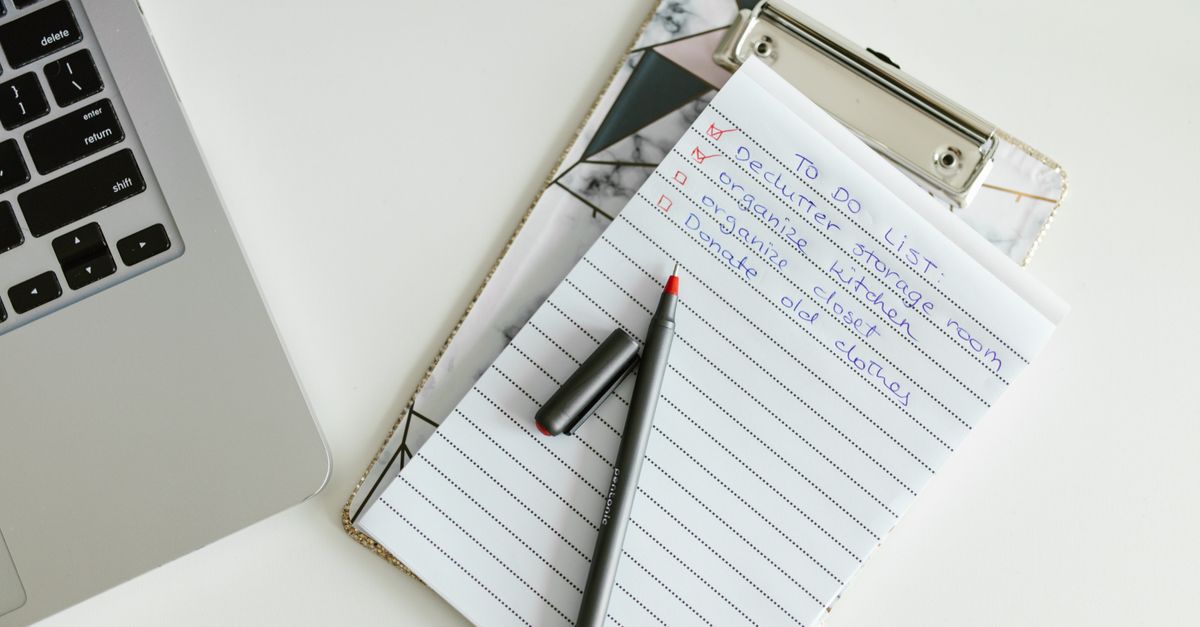
A good YouTube video to SOP template turns a rambling tutorial into one page your team can follow without pressing play: a purpose, prerequisites, numbered steps, warnings, a check that it worked, and a revision log. Below is a free copy-paste version, the fastest way to fill it from any video, and a real example where we ran an 18-minute tutorial through TubeScribed and showed what needed fixing afterwards.
Videos are great for learning a process once. They're terrible for doing it the tenth time. Nobody wants to scrub through 18 minutes to find the one setting they forgot. An SOP fixes that, as long as it has the right structure.
What a YouTube video to SOP template needs
The U.S. Environmental Protection Agency's guidance for preparing standard operating procedures describes SOPs as the way to minimize variation and keep work consistent, and recommends that they cover scope, definitions, safety warnings, equipment, the step-by-step procedure, quality checks and references. That's written for labs, but the same skeleton works for a five-person marketing team.
When the source is a video, add two things most templates leave out: the video link and a timestamp per step. That way the SOP stays short, and anyone who needs to see a step done can jump straight to it.
Here are the nine sections:
| Section | What goes in it | Why it matters |
|---|---|---|
| 1. Title and ID | Plain name, e.g. "SOP-MKT-003: Set up a Google Business Profile" | People search for it |
| 2. Purpose and scope | One sentence each: why this exists, when it applies | Stops people using it for the wrong job |
| 3. Owner and approver | Who keeps it current, who signs off | Someone has to own updates |
| 4. Source | Video title, channel, link, date watched | Lets you check against the original |
| 5. Prerequisites | Logins, files, information and tools needed before step 1 | Prevents stopping halfway |
| 6. Steps | Numbered, one action each, with a timestamp | The core of the SOP |
| 7. Warnings | Placed at the step where the risk happens, not at the end | People read warnings at the moment they need them |
| 8. Check it worked | How you know the job is done correctly | Catches silent failures |
| 9. Revision log | Date, change, person | Shows if the SOP is out of date |
The copy-paste SOP template
Copy this into Google Docs, Notion or your wiki. The square-bracket fields are what you fill in.
SOP-[DEPT]-[NUMBER]: [Plain task name]

PURPOSE: [One sentence: why this procedure exists]
SCOPE: [One sentence: when to use it, and when not to]
OWNER: [Name / role]          APPROVED BY: [Name / role]
SOURCE: [Video title] by [Channel], [YouTube link], watched [date]

BEFORE YOU START
- [Login or access needed]
- [Information to have ready]
- [Files, photos or tools needed]

STEPS
1. [Action, starting with a verb]  (video [mm:ss])
2. [Action]  (video [mm:ss])
   WARNING: [Risk and how to avoid it, placed at this step]
3. [Action]  (video [mm:ss])
   IF [condition]: do [X]. IF NOT: do [Y].

CHECK IT WORKED
- [What you should see when done]
- [Where to confirm it, and when]

REVISION LOG
[Date] | [What changed] | [Who]
Three rules make the steps work. Start every step with a verb ("Click", "Enter", "Upload"). Keep it to one action per step. Write decisions as an explicit "IF / IF NOT" so nobody has to guess.
Free tool · no credit card
Free YouTube to SOP Generator
Paste a YouTube tutorial and get this structure filled in: purpose, numbered steps, warnings and a completion checklist.
Try it on a video →How to fill the template from a video (by hand)
You don't need any tool to do this. It just takes longer.
- →Pick the right video. It should show a process step by step, ideally 5 to 30 minutes long and recent enough that the screens still look the same.
- →Open the transcript. On YouTube, click "...more" under the video, then "Show transcript". This gives you the words with timestamps.
- →Use the chapters. If the creator added video chapters, each chapter usually maps to one phase of your SOP.
- →Pull out only the actions. Skip the intro, sponsor reads, stories and opinions. Write each action as one numbered step and note its timestamp.
- →Add what the video assumes. Tutorials skip prerequisites ("you already have a Google account"). Put these in "Before you start".
- →Do the task once while reading only your SOP. Wherever you get stuck, the SOP is missing something.
For a 15 to 20 minute tutorial, expect 30 to 60 minutes of work. Most of it is step 4.
Real example: we ran an 18-minute tutorial through TubeScribed
To test this template on a real process, we picked a popular public tutorial that small businesses actually follow: Google Business Profile Set Up: 2025 Beginner Tutorial by Darrel Wilson (18 minutes 29 seconds).
We pasted the link into TubeScribed and asked for a Brand SOP in a "plain operations manual for a small local business team" voice. Per our pricing, that's 2 credits for the transcript (1 per started 10 minutes) plus 1 credit for the SOP. The result was a 1,097-word SOP with a purpose and scope, a 10-item prerequisites list, 14 numbered steps in five phases, a post-setup check and maintenance notes.
Here's a short excerpt of the actual output:
Execute Verification: If Business Video verification is presented, use a mobile device to record continuous footage showing the street name and building exterior, business signage or office setup, and proof of management. Upload the video as instructed. Note: If documents or staff are not immediately available, select Verify later to continue profile setup. The profile will not display publicly or allow full edits until verification is complete.
That's exactly the kind of step that gets lost in a video: the presenter mentions it in passing around minute 6 and moves on.
What we still had to fix (and you will too):
- →A made-up date. The draft put a 2023 "Effective Date" in the header. The video didn't say that, so we replaced it with today's date.
- →Details the video didn't say. The draft suggested checking verification "within 3 to 5 business days". That may be reasonable, but it isn't in the source, so it either gets verified against Google's own help pages or deleted.
- →Claims we left out on purpose. The video includes a click-through statistic and some speculation about how Google ranks profiles. A good SOP keeps actions and drops opinions. The AI draft correctly skipped both.
- →House rules. We added who owns the profile login and where it's stored. Only your team knows that.
Plan on 10 to 20 minutes of review before an SOP like this goes to a new hire. The draft itself is the fast part.
Stop copy-pasting your transcripts.
TubeScribed turns any YouTube video into a blog post, SOP, email sequence, or social content — in your brand voice.
Try Free — No Credit Card →How to check an AI-drafted SOP before your team uses it
AI makes the first draft fast. It doesn't make it correct. Run every draft through these five checks:
- →Source check. Every step should trace back to a moment in the video, or to your own process. Anything that doesn't is either your addition (fine, but mark it) or an invention (delete it).
- →Dates, numbers and limits. Check every number against the source. Character limits, prices and waiting times are where drafts go wrong most often.
- →Do-it-once test. Have someone who hasn't seen the video follow only the SOP. Where they hesitate, add detail.
- →Sensitive information. Remove passwords, customer names and anything shown on screen that shouldn't live in a shared doc.
- →Owner and date. No SOP goes live without an owner and a revision date. An SOP nobody owns goes out of date without anyone noticing.
When a YouTube video to SOP template is the wrong tool
The template works for most tutorials, but not all of them. Four situations where you should reach for something else, or at least add an extra layer of review:
- →Your own software, click by click. If the process happens in your own tools and you want screenshots of every click, a screen-capture tool that records your clicks fits better than a YouTube video.
- →Fast-changing interfaces. A tutorial from two years ago may show menus that no longer exist. Check the date before you build on it.
- →Regulated work. In healthcare, finance or safety-critical work, an SOP needs formal review and approval. Use the template as a draft, never as the final word.
- →Videos without a process. Interviews, opinion pieces and podcasts rarely contain repeatable steps. For those, a summary or FAQ document is a better output.
Keep the SOP current
An SOP is only useful while it's true. Three habits keep it that way:
- →Review on change. When the tool updates its interface, the owner rewatches the relevant timestamps and updates those steps.
- →Annual review at minimum. Put a yearly reminder on the owner's calendar.
- →Log every edit. One line in the revision log: date, what changed, who changed it.
If your team learns from video a lot, it's worth building a small library: one SOP per tutorial, all built on the same YouTube video to SOP template, stored in one folder and named the same way (SOP-DEPT-NUMBER). Consistent structure is what makes a library searchable: people learn where the prerequisites and warnings live, so they find them quickly instead of rereading the whole page. Our guide to turning any video into an SOP with AI covers the wider workflow, and the training guide from video walkthrough is the next step when you're onboarding new hires rather than documenting a single task.
Ready to stop doing this manually?
TubeScribed turns any YouTube video into a clean transcript and 15 branded business assets — in seconds. Try it free, no credit card needed.
Try Free — No Credit Card →Free tools to try:
Frequently Asked Questions
What should a YouTube video to SOP template include?▼
Can I turn someone else's YouTube tutorial into an internal SOP?▼
How long does it take to make an SOP from a video?▼
What kind of videos make the best SOPs?▼
How often should an SOP be updated?▼
TubeScribed Team
Content Strategy
The TubeScribed team helps creators, agencies, and coaches turn YouTube content into business assets using AI.
Ready to stop doing this manually?
TubeScribed turns any YouTube video into a clean transcript and 15 branded business assets — in seconds. Try it free, no credit card needed.
Try Free — No Credit Card →